

Speed Up Your Mac with an SSD Upgrade
Is your Mac taking ages to start up? Are apps slow to open? Do you keep seeing the spinning beachball when all you want to do is get on with your work?
In many older Macs, the main cause of slow performance is often the old mechanical hard drive inside. Replacing it with a modern SSD can make a big difference to everyday use.
An SSD is a faster type of storage. It helps your Mac load macOS, open apps, access files and respond more quickly — often making an older Mac feel much more usable again.
Book a free chat to find out whether an SSD upgrade is suitable for your Mac.

TIRED OF THE BEACHBALL AND WAITING FOREVER?
Many older iMacs and MacBooks were built with traditional mechanical hard drives. These drives contain moving parts, and over time they can become one of the biggest causes of slow performance.
You may have already tried deleting files, uninstalling apps, clearing caches or following online “speed up your Mac” guides. Sometimes those steps help a little, but if the internal drive is the main bottleneck, software clean-ups alone usually will not solve the problem properly.
An SSD upgrade tackles the problem at the hardware level.
Think of your Mac like a person trying to work from a filing cabinet. If the filing cabinet is slow to open, everything takes longer, even if the person working is still capable. An SSD is like replacing that old filing cabinet with a much faster one, so the Mac can access what it needs far more quickly.
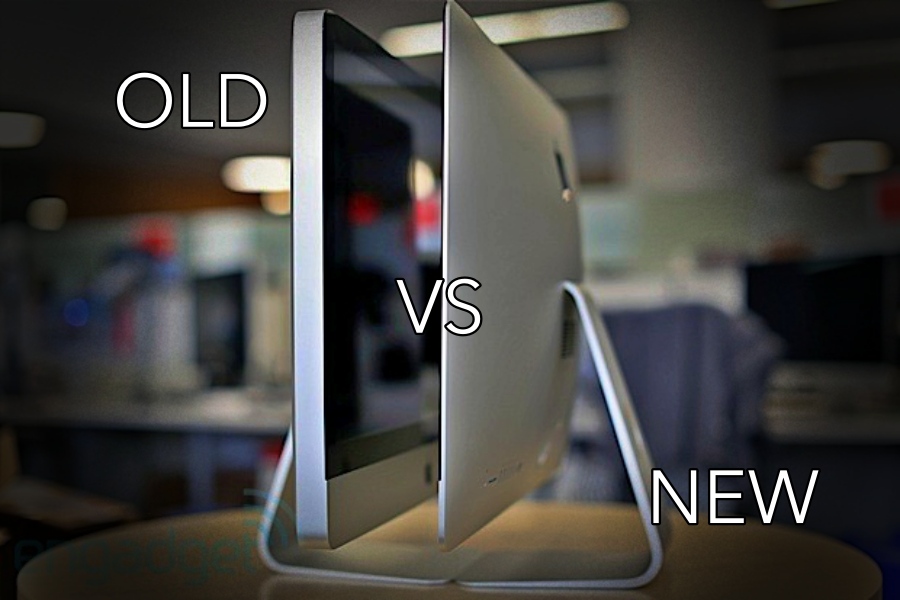
SHOULD I UPGRADE OR JUST BUY A NEW MAC?
In many cases, an SSD upgrade can be a cost-effective way to extend the life of an older Mac.
It is not the right answer for every machine. Some Macs are too old, some have other faults, and in some cases buying a newer Mac makes more sense. That is why I prefer to check the model and talk through the symptoms first.
The aim is simple: give you honest advice before you spend money.
If your Mac is a good candidate, an SSD upgrade can help with faster startup, quicker app opening, less waiting around, better everyday responsiveness and more internal storage if you choose a larger drive.
Why don’t you get in touch on 0800 22 893 53 and we will have a free discussion about your Mac? If there is a good potential for an upgrade, I’ll let you know. Otherwise, I will also give you a buying recommendation for a new Mac.
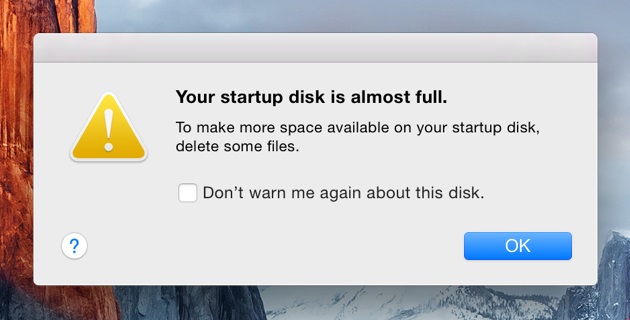
WHAT IF YOU ALREADY HAVE A FLASH DRIVE, BUT RAN OUT OF STORAGE?
The other option the manufacturer doesn’t offer after purchase is a capacity upgrade for the internal storage, so if you have an iMac, MacBook Air, or MacBook Pro with a small-capacity Flash drive, you are forced to use iCloud or an external disk. Or in some cases, you’re forced to buy a new Mac, as certain applications can’t work from the cloud or an external drive. But I can help with this too. On MacBook Airs between 2012 and 2017 and MacBook Pros with Retina Display between 2013 and 2015. Plus all iMacs made until 2020
Why Choose Tech GeniuZ

LOCAL APPOINTMENTS
Get practical IT assistance at your home or office, without needing to carry your equipment to a shop or wait in a long queue

FLEXIBLE SCHEDULING
Appointments are arranged as promptly as possible, depending on availability, location and the type of help required
DEEP APPLE EXPERTISE
Zoltan previously worked for Apple and has over 9 years of hands-on experience with Mac hardware and software — now operating fully independently

COMPETITIVE PRICING
You’ll receive clear, independent pricing and practical advice before any work goes ahead, so you can choose the most sensible option for your situation
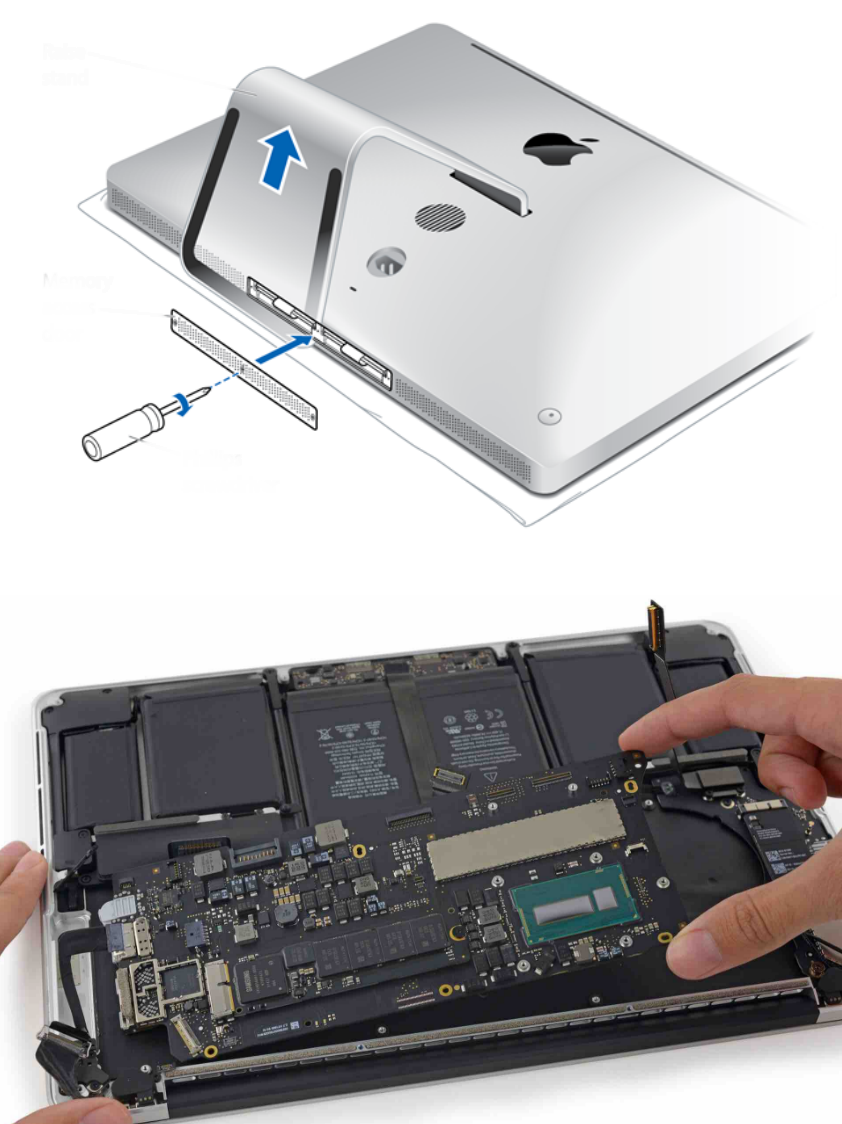
OLDER MACS & DEVICE UPGRADES
I genuinely enjoy working with older Macs. Many of them were built in a more modular way, so with the right upgrade or maintenance they can often remain useful for years. I’ll give you honest advice on whether it is worth repairing the machine or replacing it
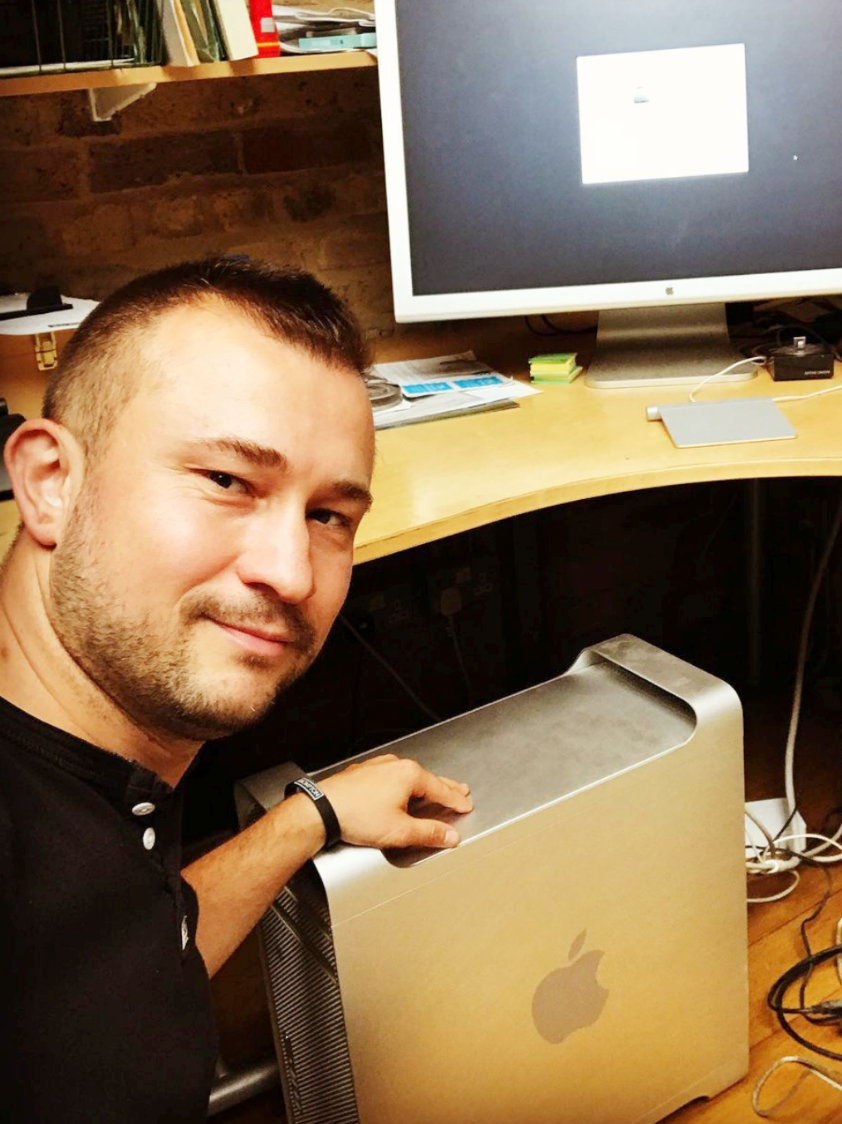
PERSONAL & LOCAL SERVICE
Most of my work comes through recommendations. You’ll deal directly with Zoltan, so the advice is personal, consistent and based on your actual needs
Ready to Speed Up Your Mac?
Please call 0800 2289 353 for a free evaluation or send an email to support@techgeniuz.co.uk
Alternatively, use the form provided to send me a message or to request a callback
I offer much more than just upgrades, please get in touch with any request, or browse the homepage for more
CAN YOUR MAC BE UPGRADED?
I offer a free consultation to determine the best option for your needs, and I handle the upgrade at your chosen location, such as your home or office. This minimises downtime, increases convenience and saves you lots of money. Get in touch to find out more!
Models Supported for SSD Upgrade:
– Plastic MacBook (2006-2012)
– Aluminium MacBook (2009)
– Aluminium MacBook Pro Unidoby (2009-2012)
-iMac 2007-2019
The MacBook Air and MacBook Pro Retina Models already come with SSDs fitted, but I can assist you to add storage if you ran out of space.
PRICE RANGES
Some machines may need additional components to make them compatible with the newer drives, therefore the prices could vary. These prices include the cost of parts, a visit at your home / office, fitting and help with restoration of your data.
– 500GB SSD = £170 – £210
– 1000GB (1TB) SSD = £220 – £260
– 2000GB (2TB) SSD = £310 – £350
– 4000GB (4TB) SSD = £500 – £540
More detailed pricing is available on the Prices page!